Become one of the first AtoC.ai users!
The language-learning app: today you can train words and grammar for English and Turkish. Spanish, Portuguese, German, French, and Italian are being added — situational training comes later.
Your welcome gift
Promo code at onboarding
MAX01
365 days of Pro — $100 in savings
A limited offer: only 160 codes. No card required. Stay an active tester and you can get permanent access.
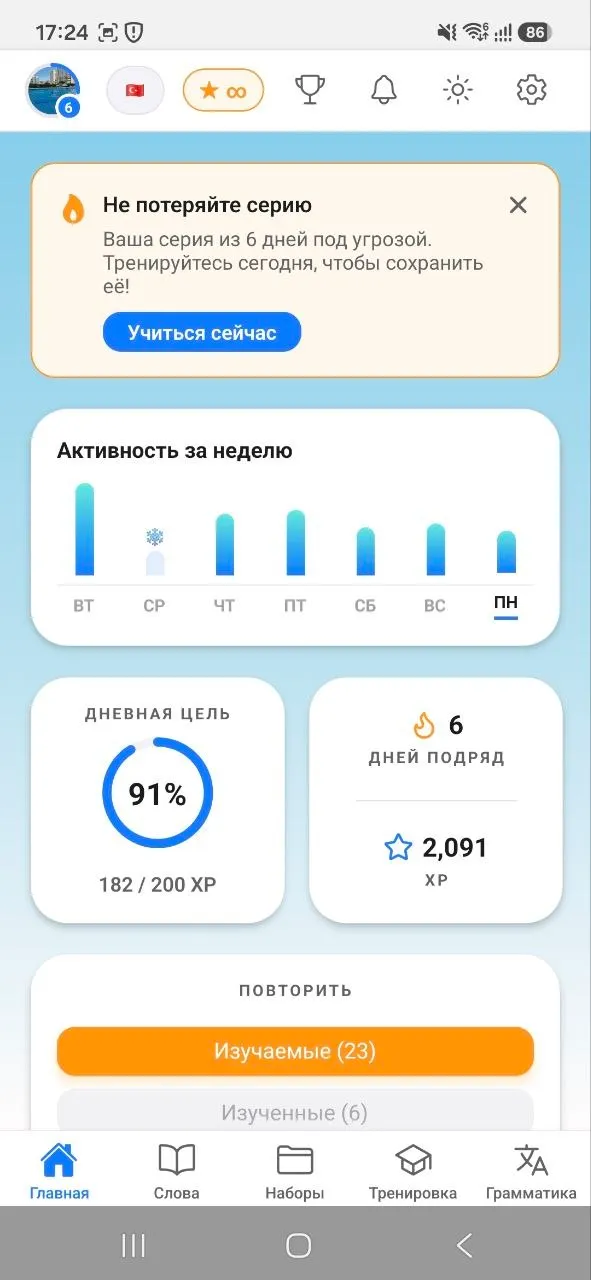
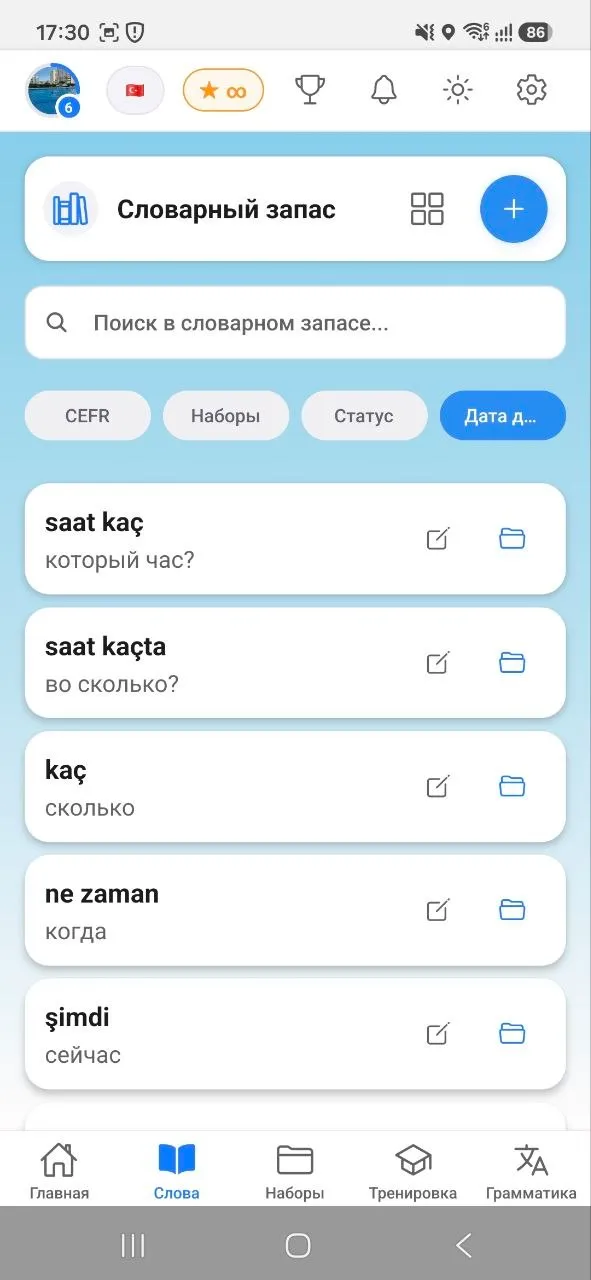
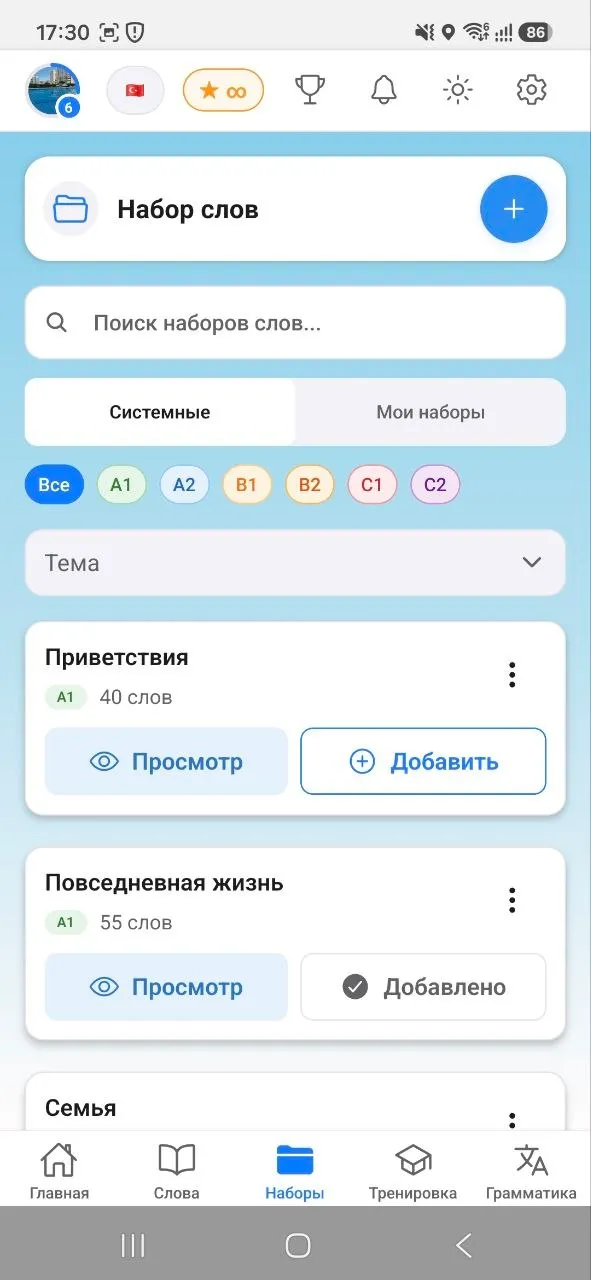
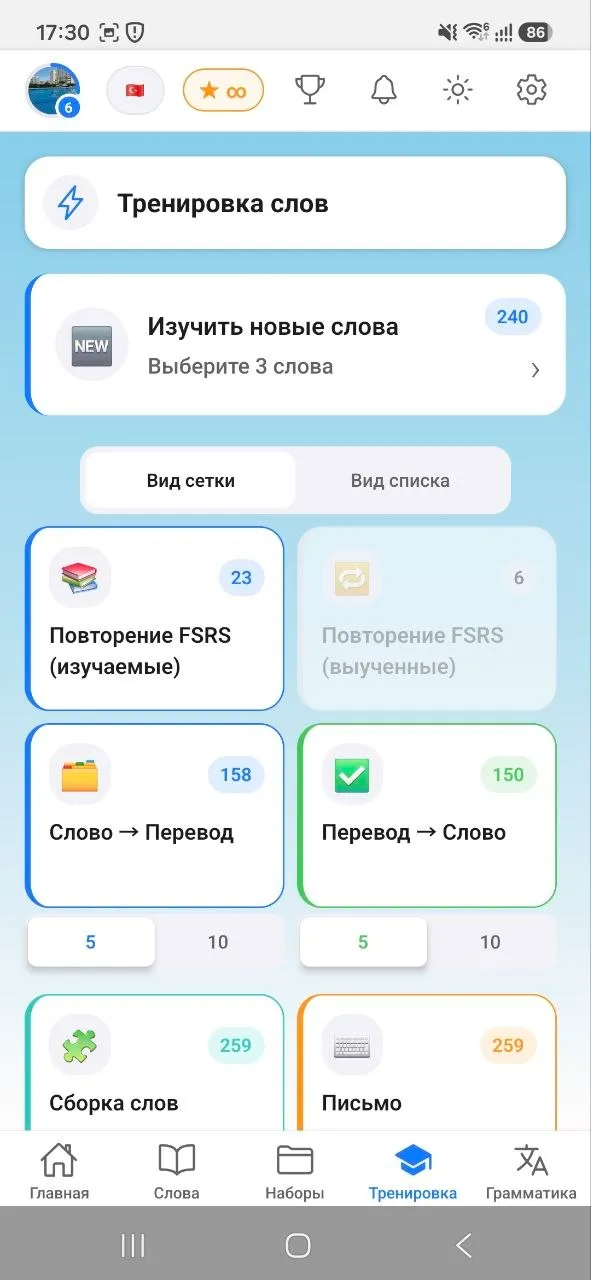
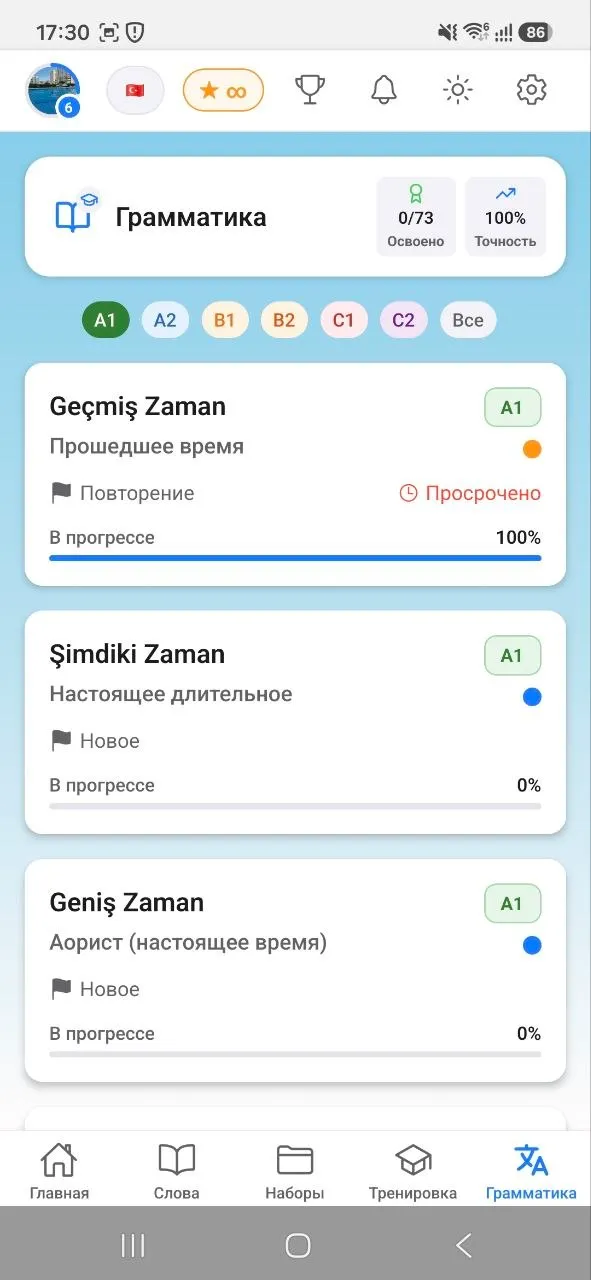
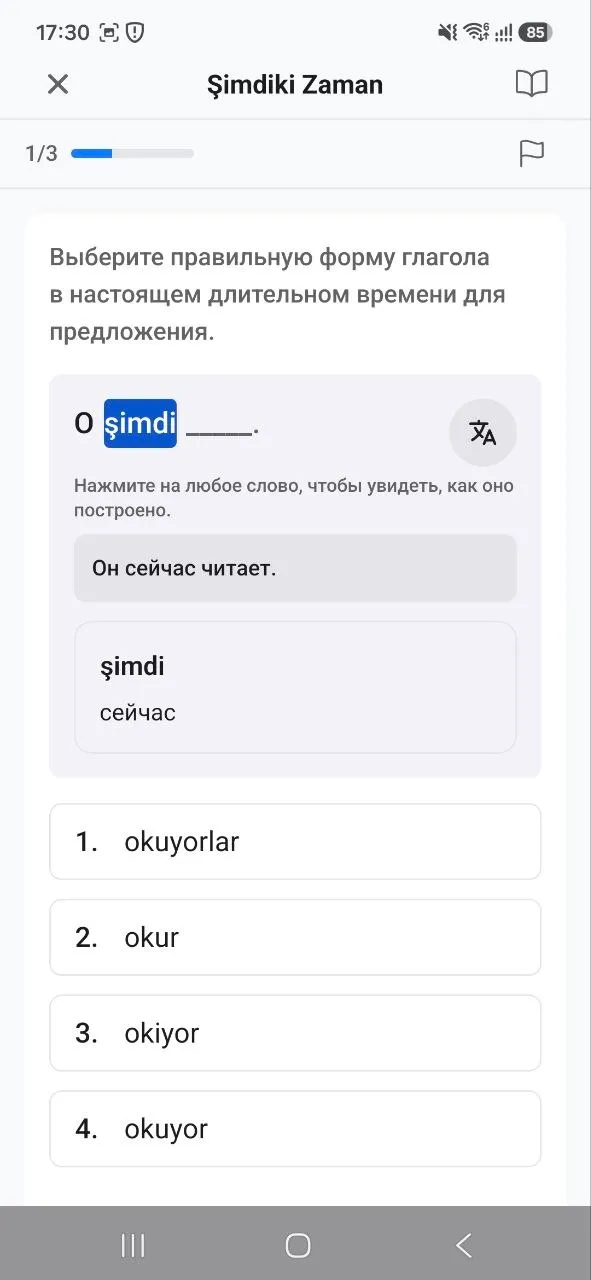
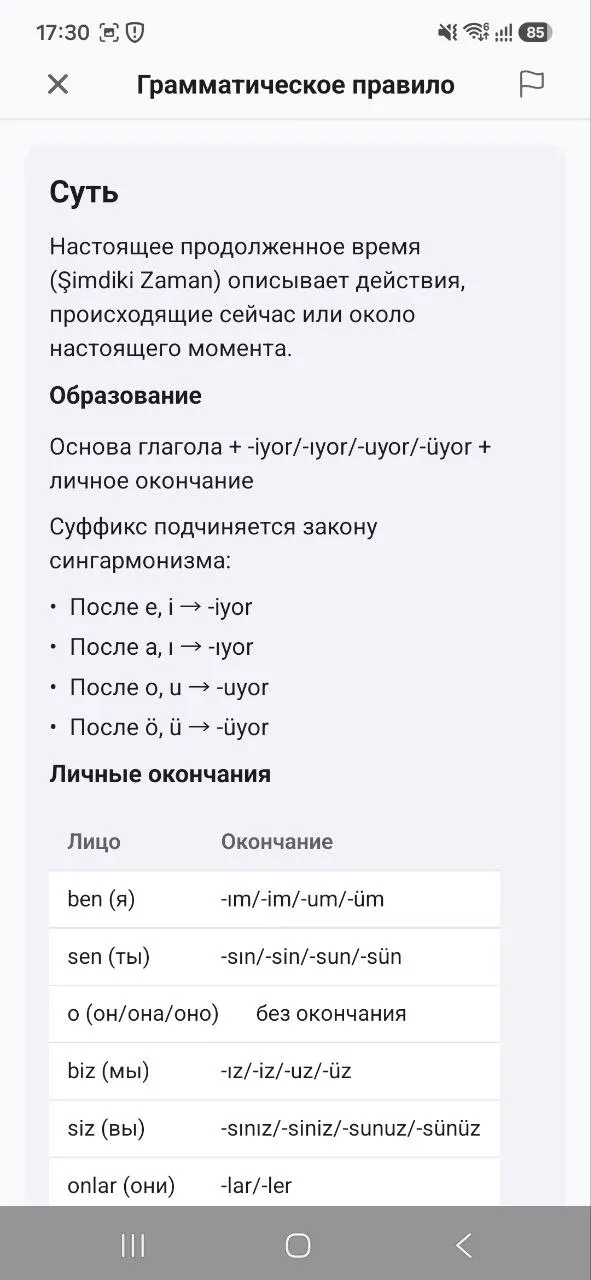
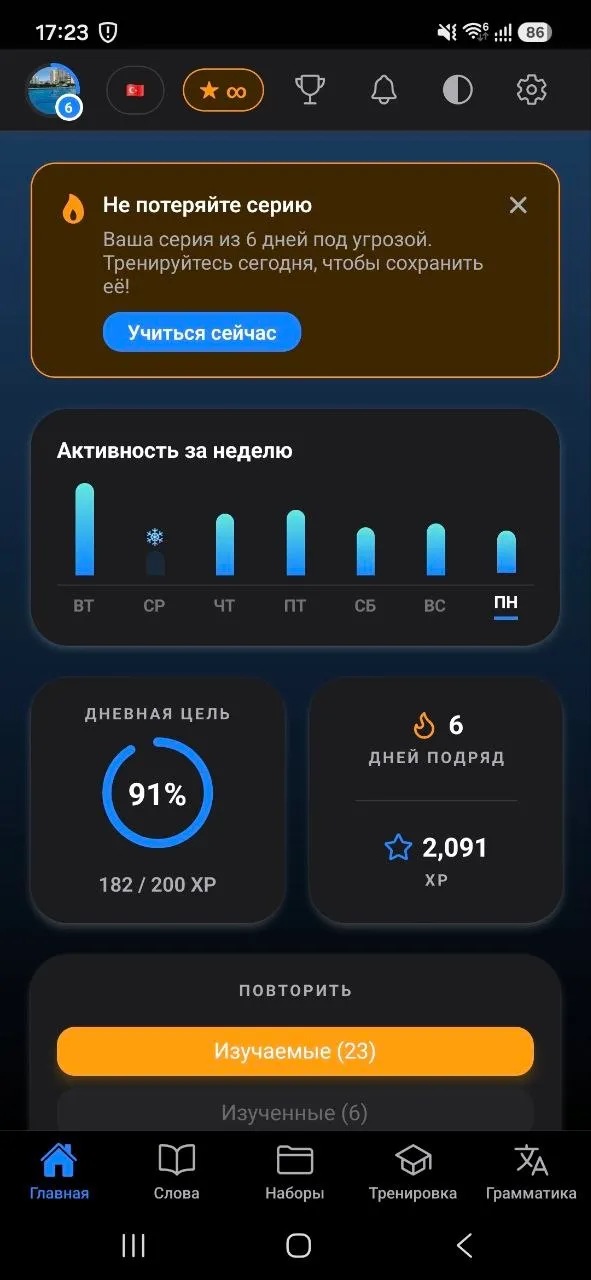
What's inside
- Import your own words — generate a list with any third-party AI and add it by prompt, right in the app
- Grammar that covers every topic
- Customizable notifications
- Word-set sharing
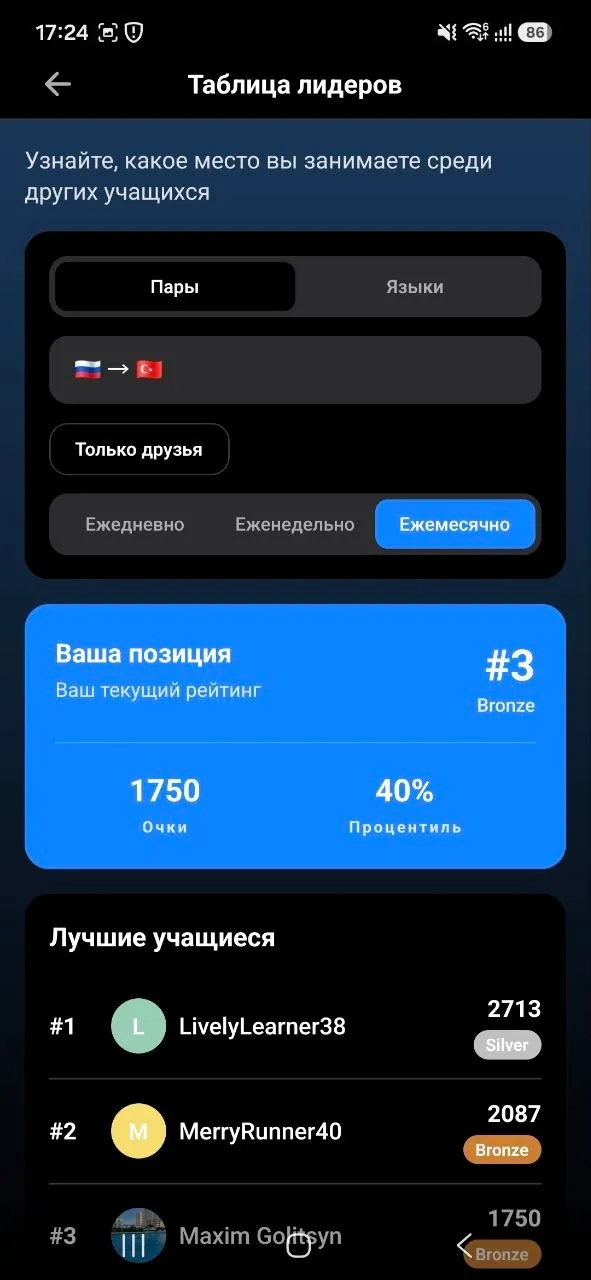
- Ratings between friends and a global leaderboard
- 38 language pairs so far — content is being generated and uploaded continuously
All suggestions are welcome — you can shape the product!
Install the beta only if you'll really keep the app on your phone for 20 days and use it 2–3 times a week. Otherwise the website is a better fit:
Open app.atoc.ai →How to install the AtoC beta (Android)
To get access to the closed test, complete 3 tricky steps — strictly in order — from the same Google account you use in Google Play on your smartphone.
Step 1. Join the testers group
Open the link and tap «Join group»:
Join the grouphttps://groups.google.com/a/atoc.ai/g/testers
After signing in, you may need to open the link again.
Step 2. Activate test access
Open the testing link and tap the blue «Become a tester» button:
Become a testerhttps://play.google.com/apps/testing/ai.atoc.mobile
After signing in, you may need to open the link again.
A download link will appear right in the text.
Step 3. Install the app
After the first two steps, tap «Download it on Google Play» on the same page, or go straight to the store:
Get it on Google Playhttps://play.google.com/store/apps/details?id=ai.atoc.mobile
A chat about the project's current state, plans, bug reports, and suggestions:
Join the Telegram chat →Thank you.